![MAIA_LAND_RGB.png]](https://support.maiagrazing.com/hs-fs/hubfs/Logos/MAIA_LAND_RGB.png?height=40&name=MAIA_LAND_RGB.png)
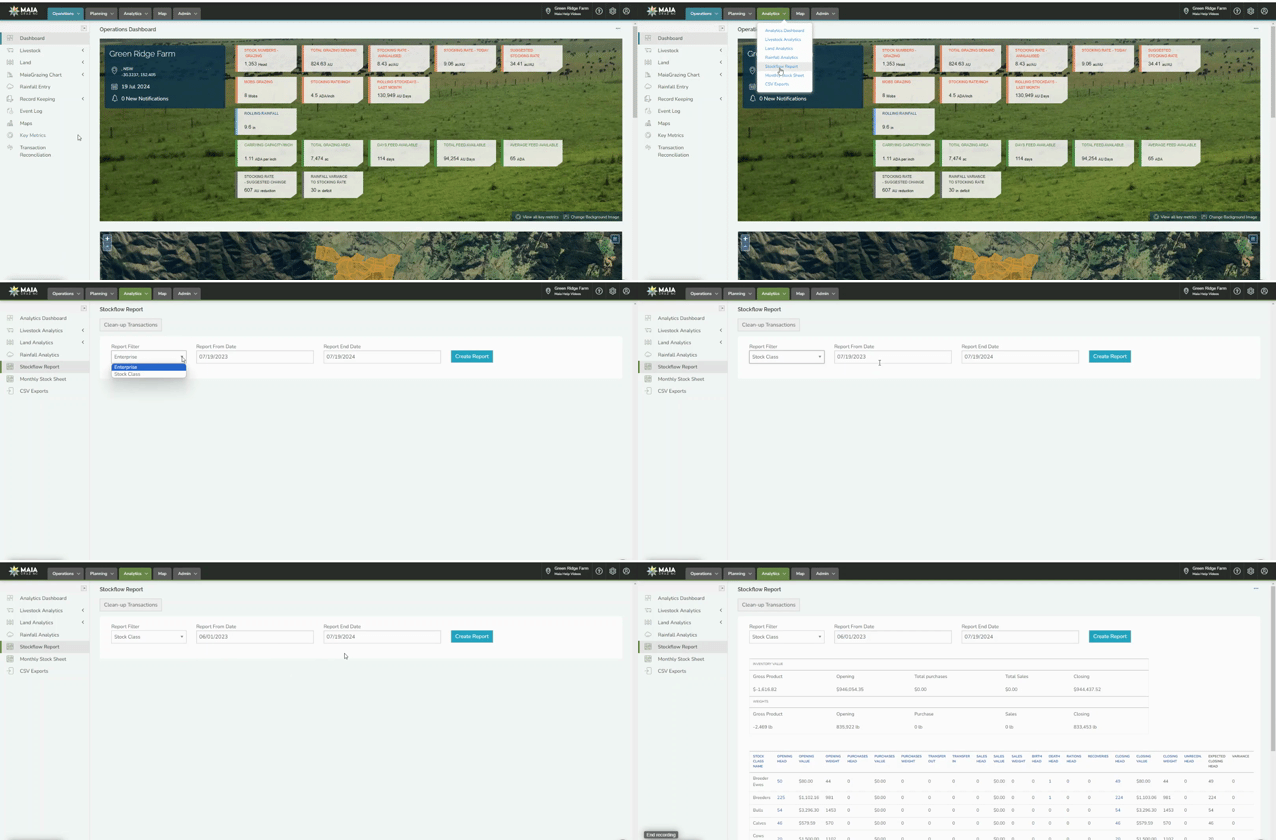
Step 1: Navigate to the Stockflow Report:
-
Click on the 'Analytics' tab.
-
Click on 'Stockflow Report' in the drop down
Step 2: Create Stockflow Report
- Click on the drop down under 'Report Filter' and select either 'Stock Class' or 'Enterprise'.
- Enter the 'Report From Date' and 'Report End Date'
- Click on 'Create Report'
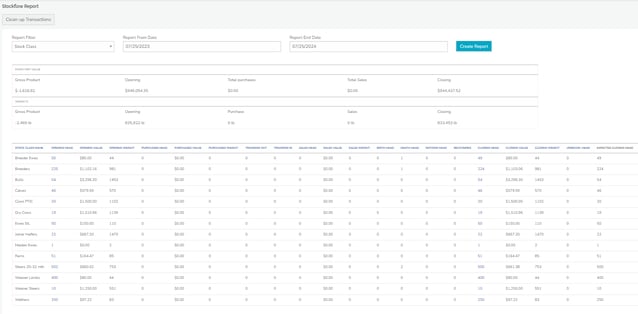
The Stockflow Report will be created looking similar to the following example.
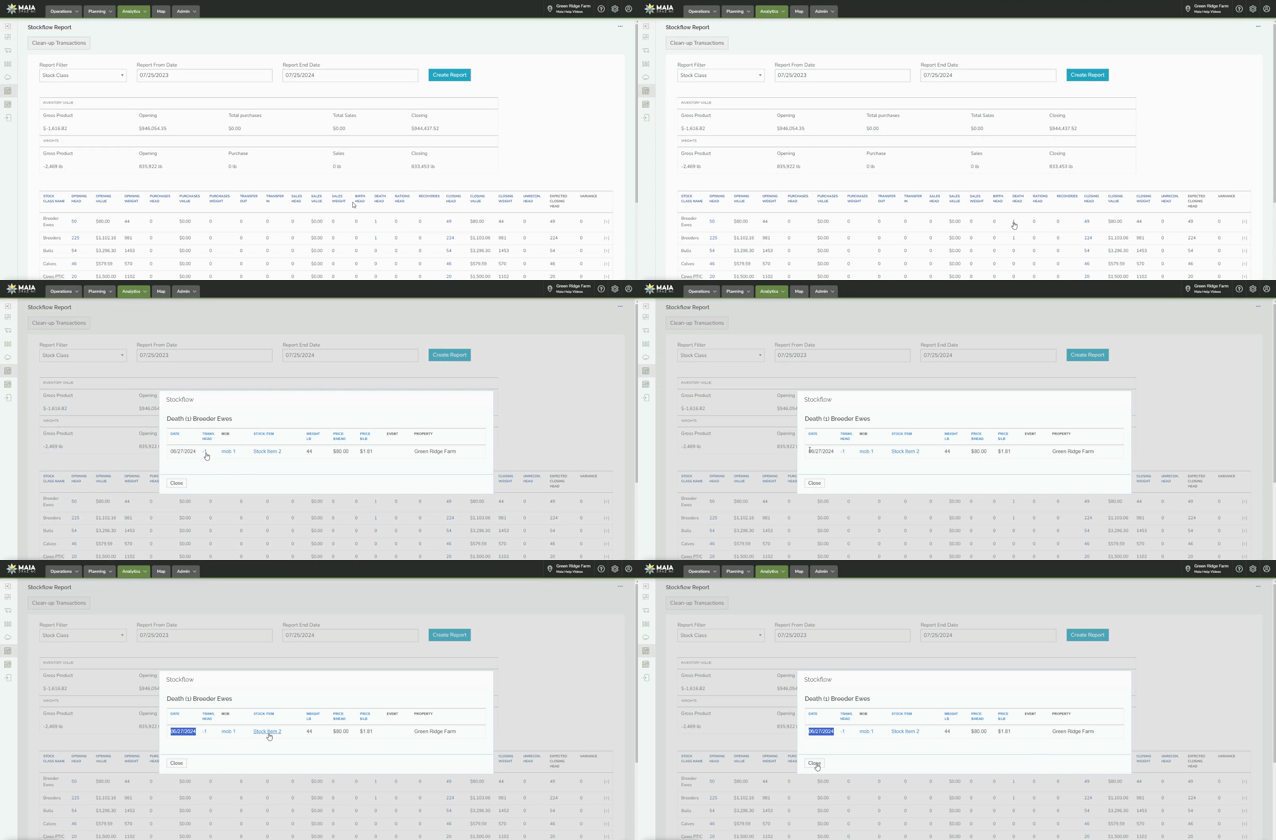
Step 3: Recorded Deaths Column
- Find the column heading Death Head
- Click the head count number for more details